Your books.
Every AI. Live.

Read-only by design
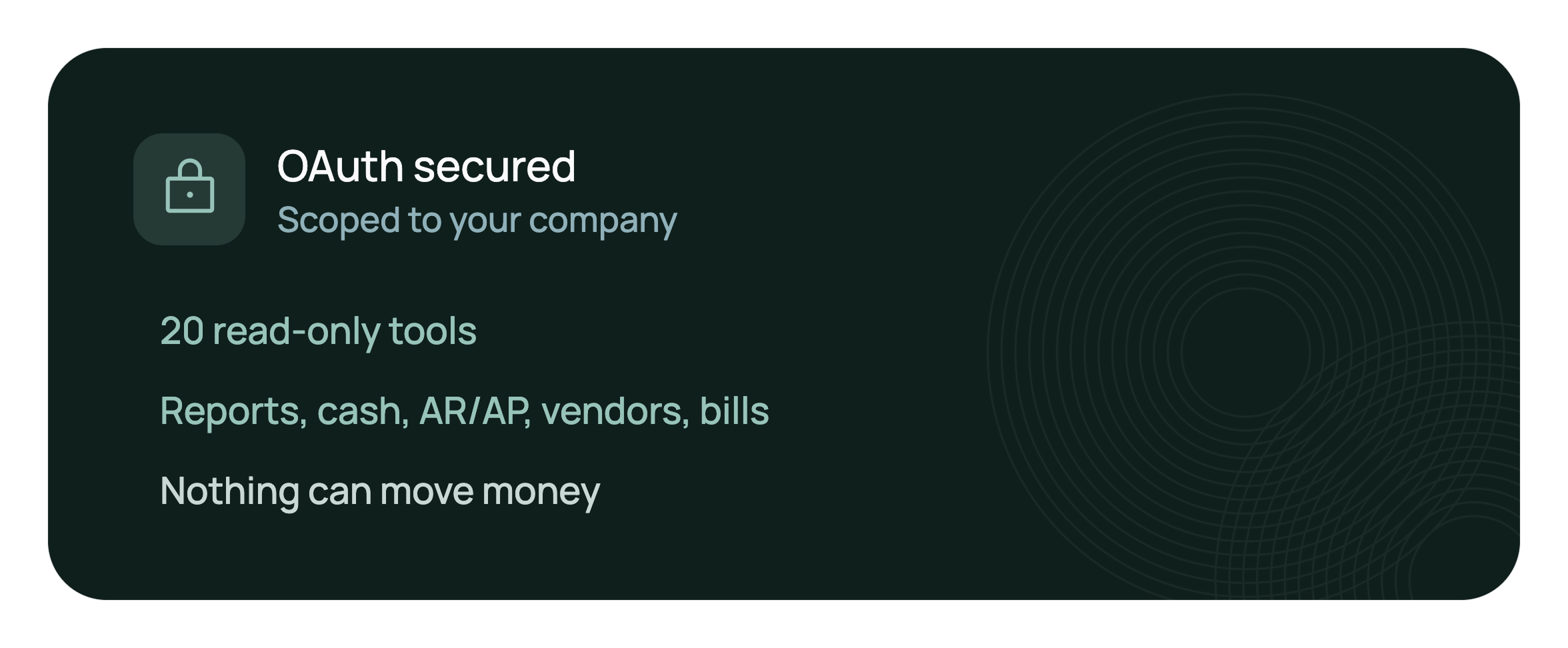
20 tools that report and analyze. Nothing moves money or edits your books.

Works where you work
Claude, OpenAI Codex, and Google Antigravity on day one.

Grounded in clean books
Every answer comes from the ledger your Zeni finance team keeps reconciled.
Connect once.
Ask anything.
Zeni MCP is a secure connector. Add Zeni in your AI assistant's settings, sign in, and ask away.
Every answer is scoped to your company and refreshes the moment your books update.
Your financials,
one question away.
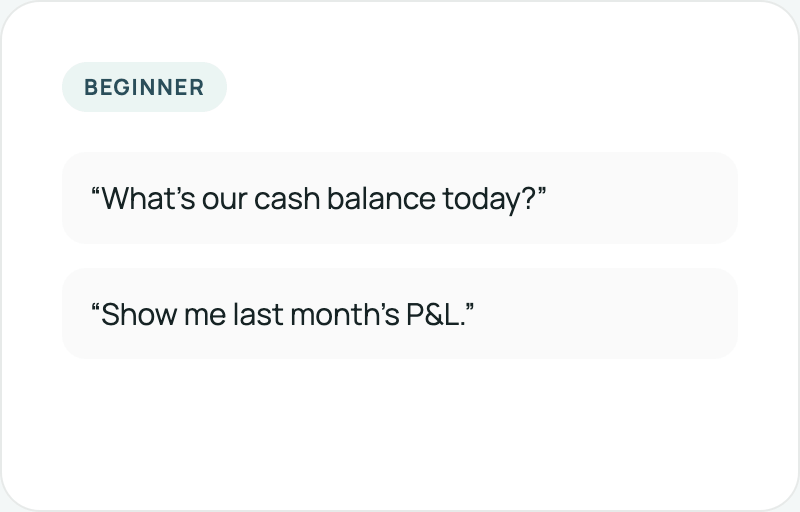
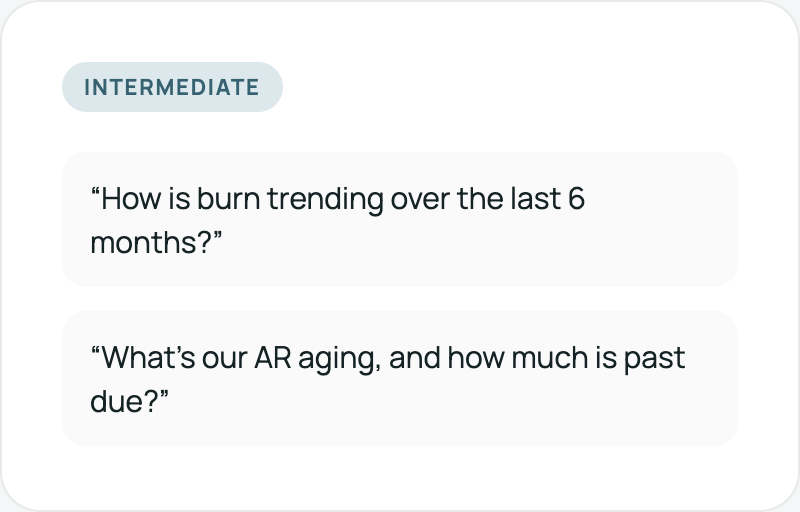
No CSV exports, no copy-pasting numbers, no stale data. Ask in plain language; Zeni answers from live books.
Built for trust from day one.
OAuth sign-in, scoped to your company, 20 read-only tools across reports, cash, AR/AP, vendors, bills, and reimbursements. Nothing can move money.
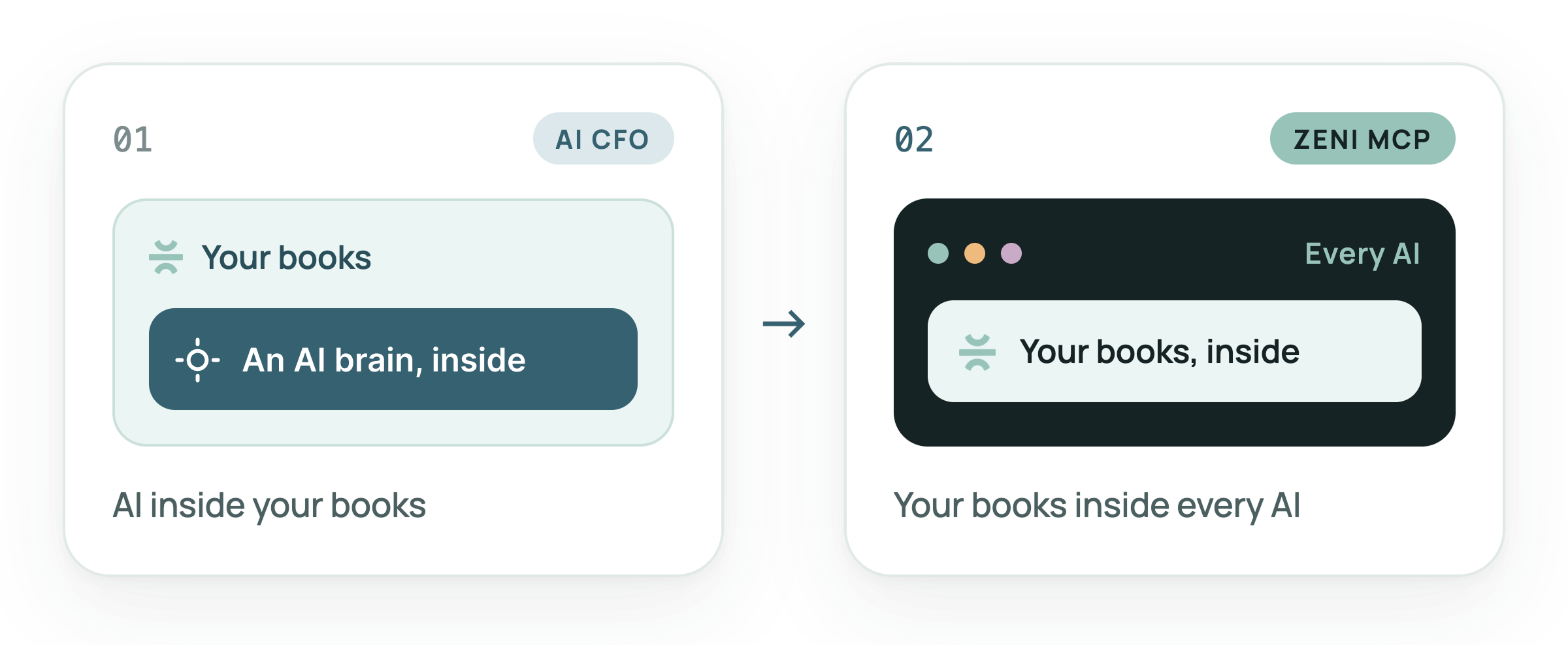
First, AI moved into your books. Now your books move into every AI.
It started with the AI CFO: a finance brain working inside your Zeni dashboard. Zeni MCP turns that inside out. The same clean ledger now answers inside every AI tool your team already opens.
Answers across your whole ledger.

Analyze financials
P&L, balance sheets, and trend detection, read live from your reconciled books.

Spot vendor patterns
Compare spend across vendors and categories. Surface anomalies and creep before they cost you.

Calculate core metrics
Runway, burn, and margins, computed in real time from your actual books, not a stale export.

Forecast with confidence
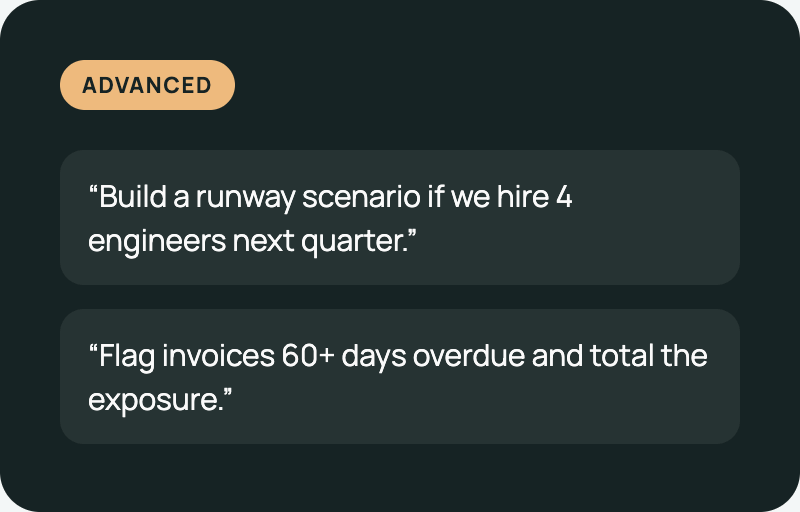
Model projections and what-if scenarios from your historicals, the moment you ask.

Visualize key trends
Model projections and what-if scenarios from your historicals, the moment you ask.

On the roadmap
More AI clients beyond the day-one three, plus agentic write-actions on your Zeni data.
From first question to full scenario.
Connect in 60 seconds.
Pick your AI tool, add Zeni once, and start asking. Read-only from the very first question.



Open Claude, then Settings → Connectors → Add custom connector.
Name it Zeni and paste the server URL below.
Sign in with your Zeni account. Done. Ask your first question.
Open Codex, then Settings → Connectors → Add custom connector.
Name it Zeni and paste the server URL below.
Sign in with your Zeni account. Done. Ask your first question.
Open Antigravity, then Settings → Connectors → Add custom connector.
Name it Zeni and paste the server URL below.
Sign in with your Zeni account. Done. Ask your first question.