What to know about Zeni’s burn rate calculator
Burn rate is the speed at which your company consumes its cash reserves while operating at a net cash flow deficit. It directly determines your financial runway, which is the length of time remaining until your current funds run out.
As a result, burn rate is often a key performance indicator (KPI) for early-stage startups. It reflects the sustainability of your current strategy and helps inform a variety of pivotal decisions, such as those around budgeting, hiring, and fundraising.
Zeni’s burn rate calculator is designed to help you incorporate the metric into your financial planning. Use it to model the implications of tactical adjustments involving your cash reserves, expenses, and revenue.
For example, to help assess whether you can afford a new hire, add the cost of their wages and benefits to your monthly expenses, calculate your burn rate, and consider the effect on your cash runway.
Say you decide the new burn rate would deplete your reserves too quickly, but that a new hire is essential for growth. You could then use the calculator to model the effect of securing additional funding by adding an influx of capital to your cash amount.
How to use Zeni’s burn rate calculator
Step 1: Enter your current cash balance
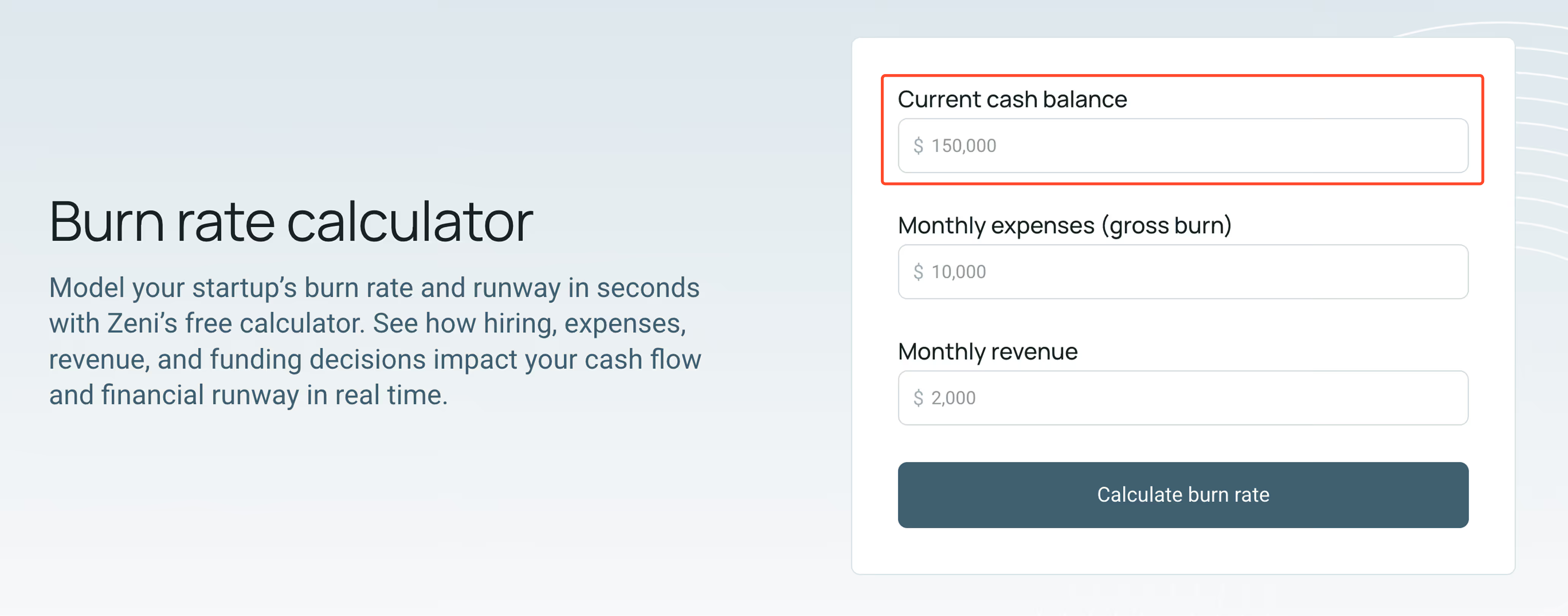
Start by entering your total cash reserves in the box labeled “Current cash balance.” This should include all liquid funds your business can readily access, such as bank account balances and available cash equivalents.
Make sure to leave out any restricted capital that isn’t actually accessible for day-to-day operations. Remember, the goal is to capture the amount of cash you can realistically use to cover your ongoing expenses.
While this number doesn’t affect your burn rate, it serves as the foundation for your runway calculation, which is arguably more important for your financial health.
Step 2: Input your monthly expenses
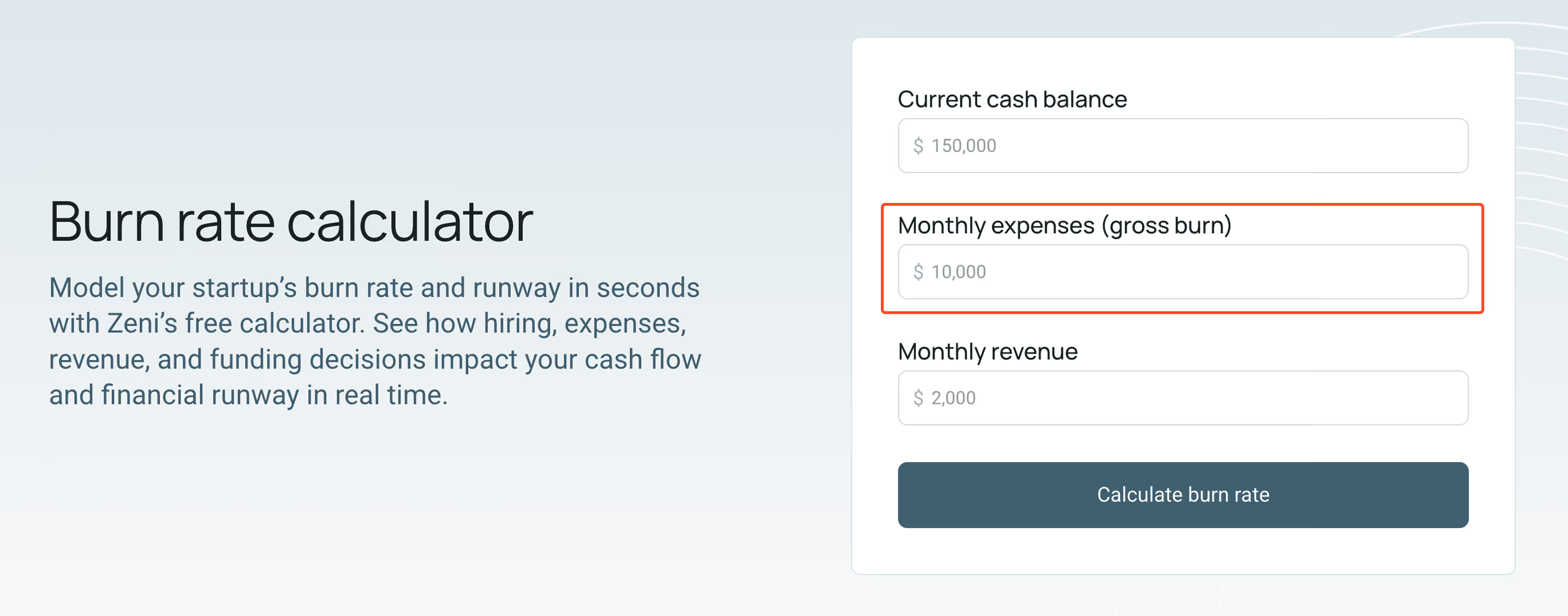
Input your total cash outflow per month in the field labeled “Monthly expenses (gross burn).” While this generally includes your operating costs, make sure to remove any non-cash expenses, such as depreciation and amortization.
If your spending fluctuates significantly due to variable costs, consider using a realistic average of your most recent months. Alternatively, you can use an estimate based on how you expect your activities to shift going forward.
Either way, err on the conservative side, as underestimating total monthly costs makes your current burn rate appear lower than it actually is. This can lead to overly optimistic runway projections, which increase your risk of running out of cash unexpectedly.
Unsurprisingly, that’s one of the most significant dangers for startups. According to a 2026 CB Insights survey of 431 venture capital (VC) backed startups that have failed since 2023, 70% cited running out of cash as a top reason for their going under.
That made it the most common problem by a wide margin, even though the surveyed companies were well-funded, raising an average of $48 million in equity financing from VC and other investors.
Step 3: Type in your monthly revenue
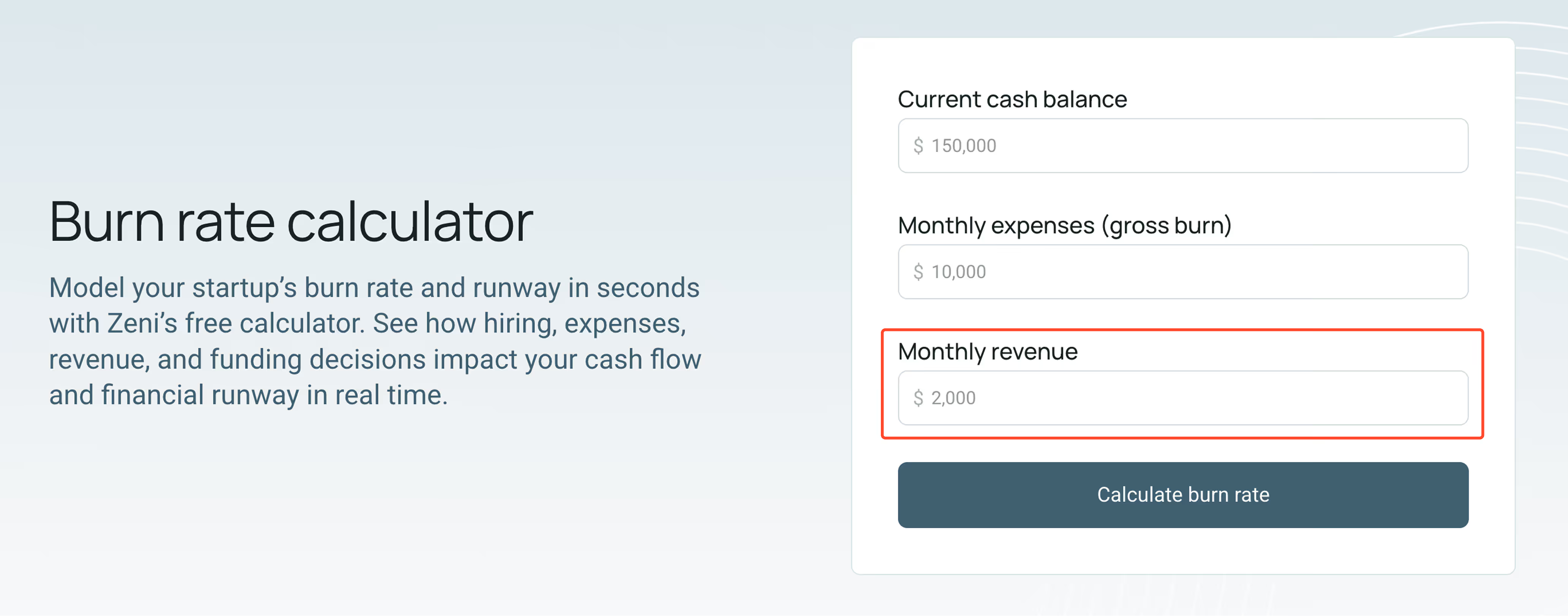
Complete your initial inputs by entering your incoming cash per month in the “Monthly revenue” box. This should reflect the positive cash flow you generate consistently through core business operations, rather than one-time or unpredictable payments.
Once again, it’s often best to use a conservative trailing average or forward-looking estimate if your cash inflows fluctuate significantly from month to month. Just like underestimating expenses, overestimating revenue can be risky.
If your business has yet to generate its first sale, it’s perfectly acceptable to enter $0 or leave the box blank. It’s common for early-stage startups to lack revenue until they build a minimum viable product (MVP) and start gaining traction with initial customers.
Step 4: Click “Calculate burn rate”
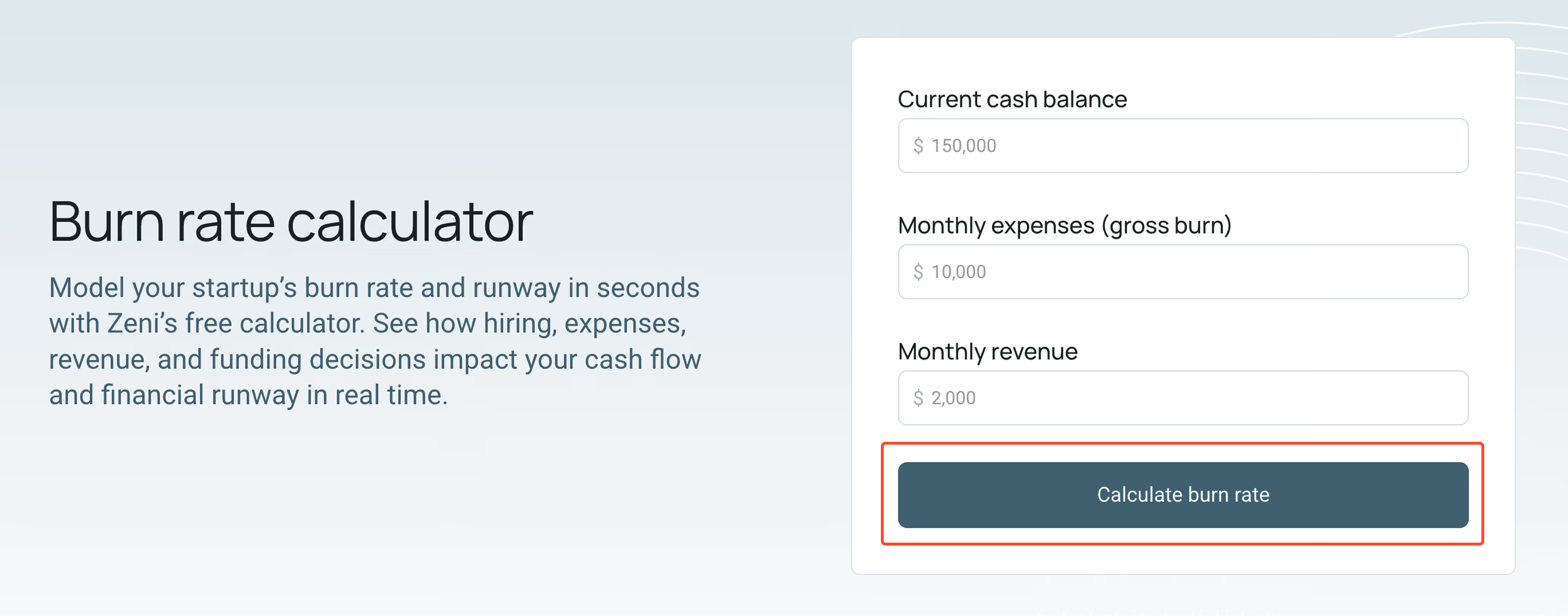
With all three fields completed, click the “Calculate burn rate” button to generate your results. The calculator will automatically use your cash balance, monthly expenses, and revenue to compute your monthly net burn rate and several closely related KPIs.
Step 5: Review your results
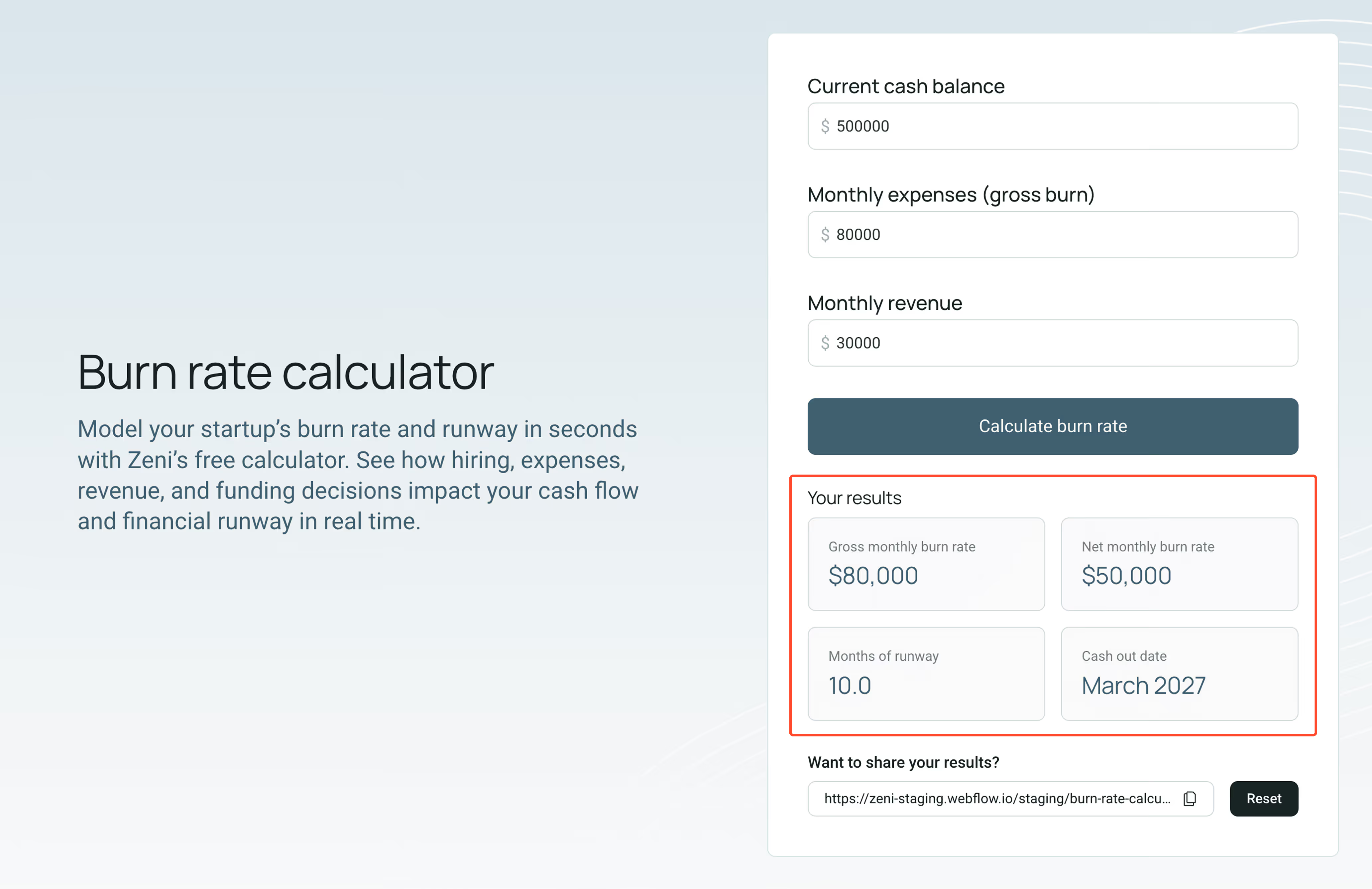
In addition to your net monthly burn rate, the calculator will return your gross monthly burn rate, months of remaining runway, and projected cash out date, which is when your existing funds will run out at your current trajectory.
Considering these metrics together provides the necessary context. A relatively high burn rate may be sustainable if your cash reserve is substantial enough to provide a runway that supports your growth plans.
Conversely, a short runway is a warning sign that may require you to make strategic adjustments immediately, even if your gross burn rate appears low in isolation.
While the appropriate runway varies, a common rule of thumb for early-stage startup founders is to raise at least 18 to 24 months of capital. This often provides enough time to reach key milestones and complete your next fundraising round.
That said, when capital markets tighten and funding becomes more challenging to secure, it can be beneficial to extend that to between 24 and 36 months of runway for additional flexibility.
Step 6: Adjust your inputs and recalculate
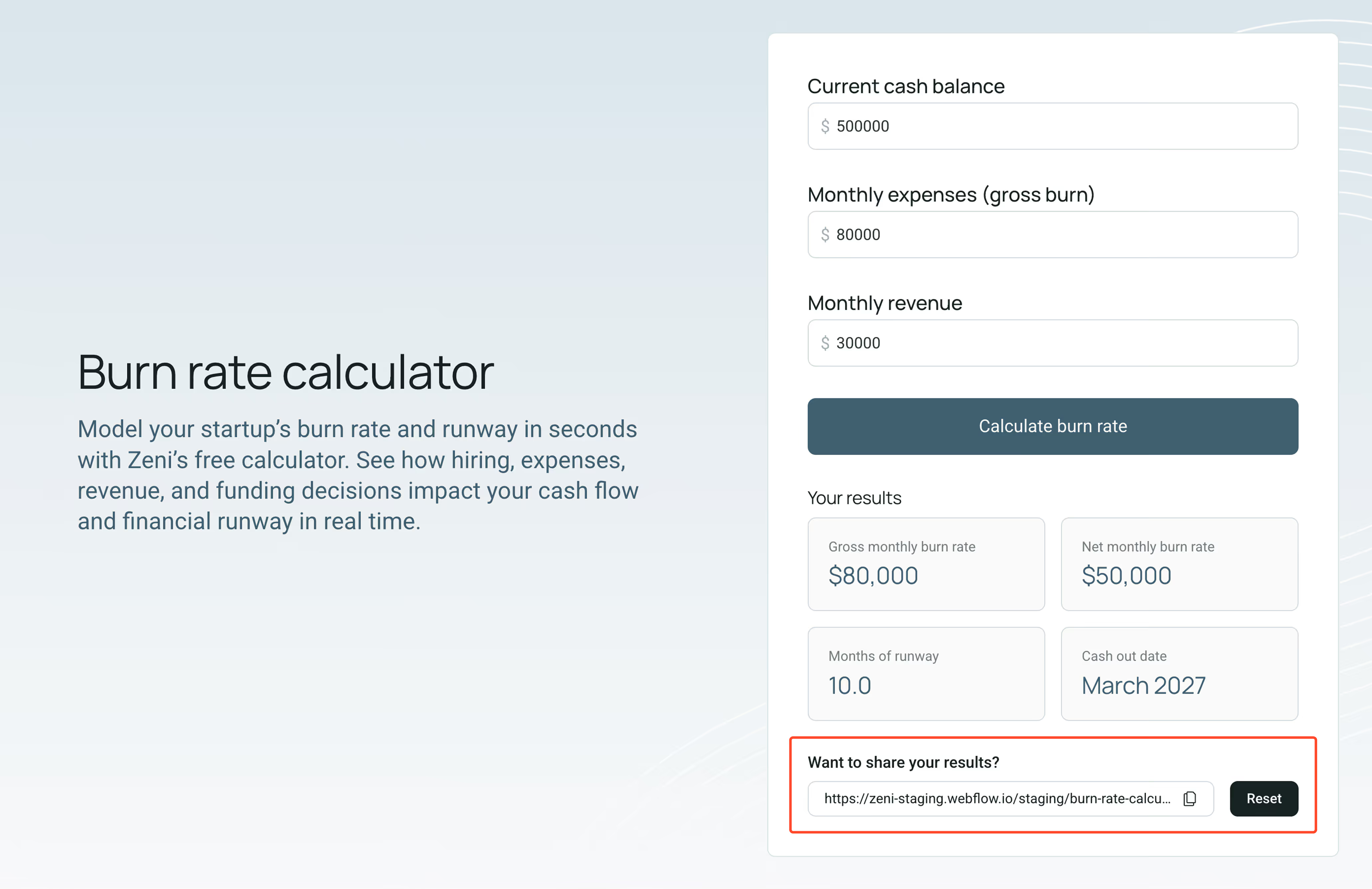
After reviewing your initial results, consider updating your inputs to see how different adjustments impact your cash burn rate and runway. This is often crucial for making informed decisions.
For example, you can increase your monthly expenses to reflect planned hires, higher marketing spend, or new operational costs. This helps you understand how such changes would affect your timelines before committing.
You can also adjust your revenue assumptions to model new cash inflow streams. This is especially useful when evaluating whether the projected income gains from growth projects would be enough to offset any increases in spending.
Finally, consider updating your cash balance to reflect potential funding events, such as raising capital or securing a loan. This allows you to estimate how much additional runway a given funding amount would provide.