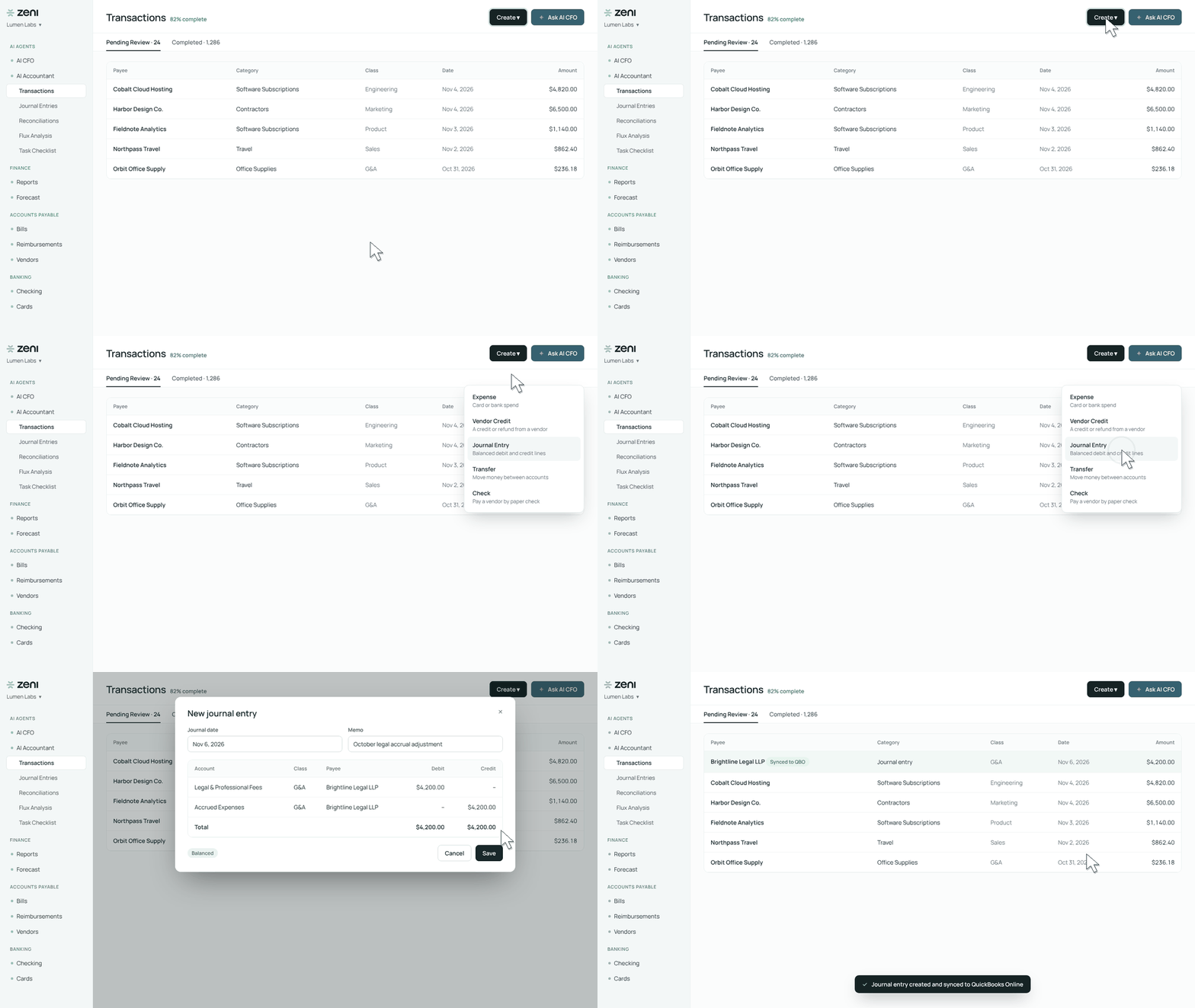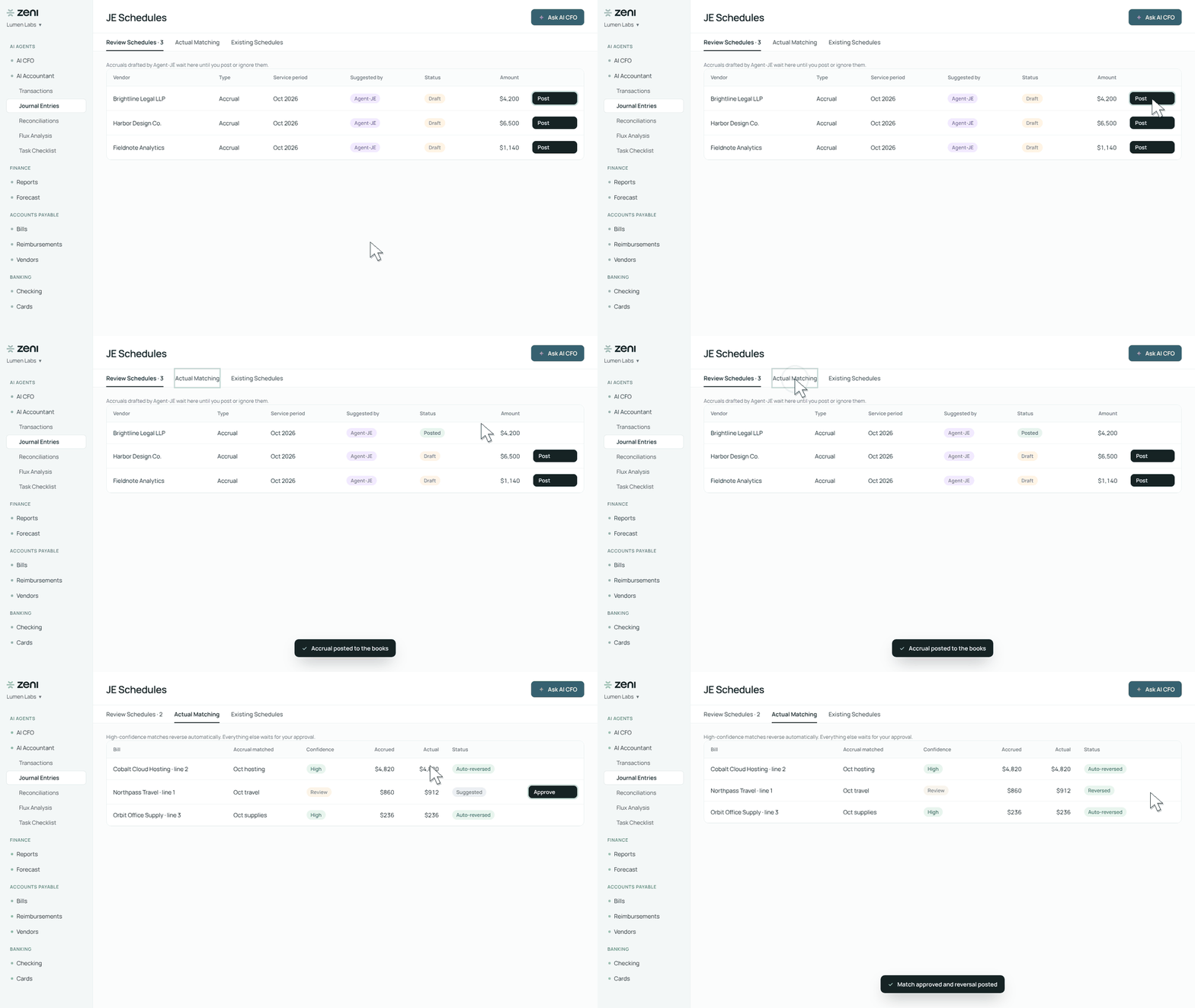
Before
AI CFO started every conversation from scratch. If your team formats numbers a certain way or classifies a vendor differently, you had to repeat it in every chat.
Now
Tell AI CFO a rule once and it applies it to your answers from then on. Everything it remembers is listed on a Memory page, where you can remove any note.
Your house rules, remembered
Every finance team has its own rules: number formats, classifications, exclusions. Now you can tell AI CFO once instead of repeating yourself in every chat.
- Rules in plain language. Say “Remember that…”, “From now on…” or “Always treat X as Y”, for example “always show amounts in $K, no cents” or “classify Twilio as Utilities.”
- Applied to your answers. AI CFO uses your rules in its chat answers, and usually tells you when it has applied one.
- All in one place. Everything it remembers appears on the Memory page in the left sidebar, next to Skills and Scheduled, with when and where each note was saved.
- Yours to remove. Delete a note in one click, or ask AI CFO to forget it.
How to use it
- In AI CFO chat, put the rule in your message: “Remember that…”, “From now on…” or “Always treat X as Y.”
- Open Memory in the left sidebar to see what it saved.
- Ask your next question. AI CFO applies the rule.
Why it matters
- Consistent answers. Your formats and classifications come back the same way every time, without re-prompting.
- No hidden profile. Every note is plain text, in one place, and yours to delete.
- Saved only when you ask. AI CFO never infers notes in the background, and it refuses to store passwords, card numbers and similar sensitive details.
FAQ
Does AI CFO save things without asking?
No. It only saves a note when you ask it to. A bare “save this to memory” gets a question back, because Memory is for rules and preferences, not data points.
Who can see my notes?
Your notes are private to you. Company-wide notes are coming next.
Do Skills and scheduled tasks use Memory?
Not yet. For now, Memory applies to chat answers.
Where to find it
AI CFO › Memory
Availability
Rolling out to all AI CFO customers