Where teams reach for a conversation.
You and your team can now have the conversation right where the work happens,
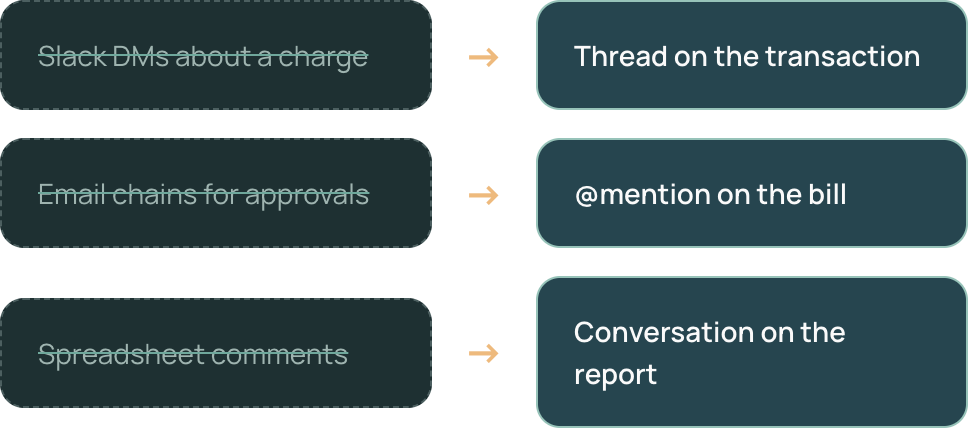
instead of losing context across email threads, Slack messages, or spreadsheets.

Comment on any transaction
Ask about a bill, vendor, or line item right where it sits — no screenshots, no "which one do you mean?"
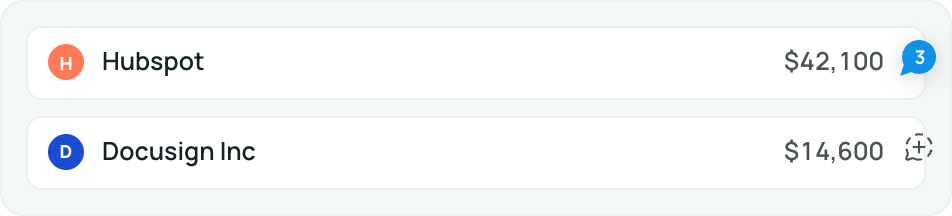

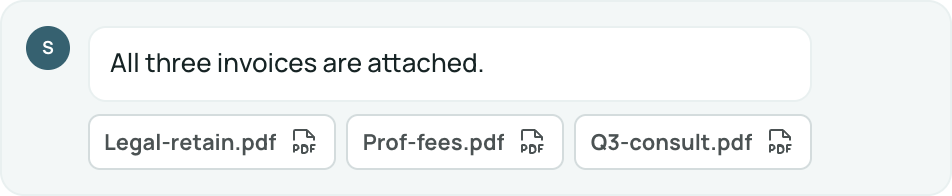
Attach documents or receipts
Drop the receipt, contract, or approval into the thread so the backup stays with the record.

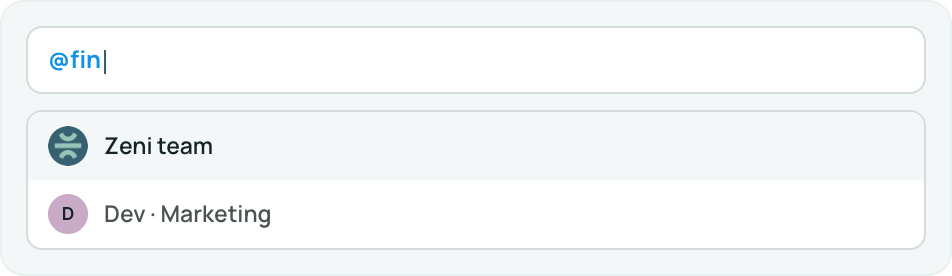
@mention your reviewer
Tag a teammate or your Zeni finance team and they’re notified the moment you post.

Resolve when it’s done
Close the thread once it’s settled. The question, answer, and decision stay on the record.

Built for the people closest to your numbers.
Comments connect the founders and operators who ask the questions with the finance team that has the answers — on the same screen, at the same time.



VP/Directors & Budget Owners
The people running the company who need a fast, trustworthy answer about a specific number — without scheduling a call or starting a Slack hunt.
- Ask "what is this?" directly on a transaction or bill
- Question a vendor charge or a line in a report the moment they spot it
- Get context on a number before a board meeting or an investor update
- Keep a clear trail of what was decided and why
CFO, Controllers and Accountants
The accountants and controllers keeping the books clean, who need to reach the customer with a question or an answer tied to the exact record.
- Ask the founder for a receipt, memo, or approval in context
- Explain a reclassification right where it happened
- Chase open items during month-end close without leaving Zeni
- Close the loop with an auditable, resolved thread
Open, comment, resolve.
No setup, no new tab. The conversation lives inside the dashboard your team already uses every day.

Open any object
Pull up a bill, vendor, transaction, or report — anywhere a number needs a conversation.
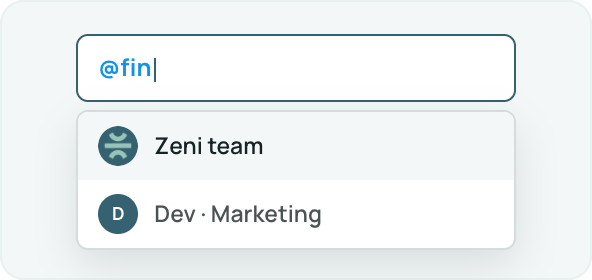
Comment & @mention
Start a thread and tag whoever you need — a teammate or your Zeni finance team. They're notified instantly.
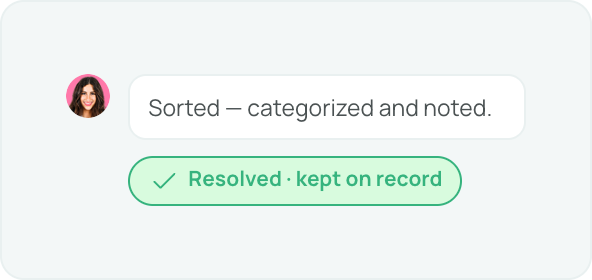
Reply & resolve
Answers update in real time. Close the thread when it's settled and it stays on the record.
Look for the comment marker on every row, bill, vendor, transaction and report:


The conversation moves into your books.
Finance questions used to scatter across four tools. Month-end close, daily review, open items, and customer collaboration all move into one place — the Zeni dashboard.
Fewer tools. Tighter accountability. Every answer tied to the number it's about.


One comment.
Zero back-and-forth.